
 21 July 2026
 Share
Share
1

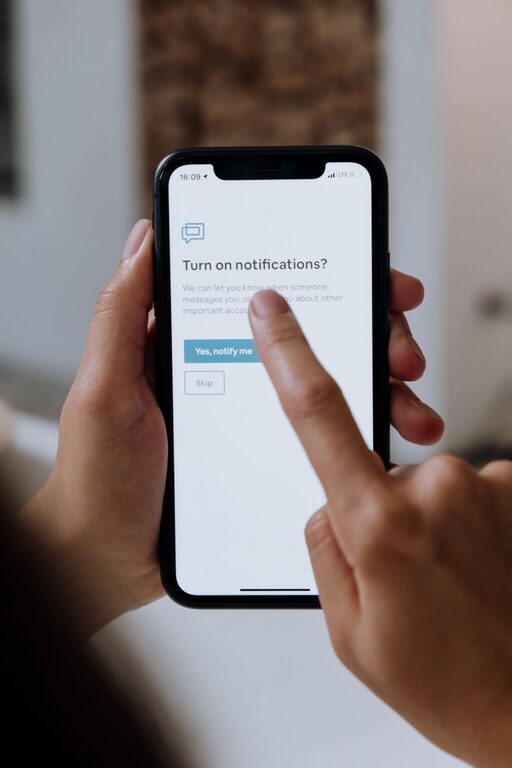
In today’s connected world, notifications demand our attention around the clock. While they can be helpful for staying updated, constant alerts often disrupt focus and increase stress. Setting boundaries with notifications can help you take back control over your time and concentration.
This post will explore practical tips to manage notifications effectively so you can enjoy a healthier balance between staying informed and preserving your peace of mind.
Notifications are designed to grab your attention, but an overload of them can be overwhelming. Here’s why it’s important to set limits:
– Improves Focus: Constant pings interrupt work and learning, making it harder to concentrate.
– Reduces Stress: Non-stop alerts can create anxiety and a feeling of urgency.
– Enhances Productivity: Controlling notifications helps you spend time on what really matters.
– Supports Wellbeing: Without constant distractions, you can unwind and recharge more effectively.
Begin by reviewing which apps and services send you notifications. Evaluate each for its importance:
– Identify which notifications are essential (e.g., calendar reminders, messages from family).
– Recognize which are just distractions (e.g., social media likes, promotional alerts).
– Decide which to keep on and which to disable or limit.
Most devices and apps offer customizable notification settings:
– Silence non-urgent notifications: Turn off sounds and vibrations for less important alerts.
– Enable “Do Not Disturb” modes: Schedule quiet hours during work, study, or sleep times.
– Customize alert styles: Change banners, badges, or pop-ups to reduce interruption levels.
Taking a few minutes to personalize these options can significantly reduce distractions.
Set specific periods during the day when you do not check notifications:
– Use blocks of time like morning routines, work hours, or evening downtime.
– Inform friends or coworkers so they understand your availability boundaries.
– Resist the temptation to peek at your phone during these times.
Regular breaks from notifications help you focus, reflect, and recharge.
Many email and messaging apps let you mark important contacts as “favorites” or “VIPs” so their messages get special alerts:
– Ensure you never miss urgent messages from family, close friends, or key coworkers.
– Silence other less critical contacts during work or rest periods.
This approach balances accessibility and calm.
Instead of reacting to each notification instantly, gather them for periodic review:
– Disable push notifications for less urgent apps.
– Check non-urgent updates a few times a day, such as social media or news.
– Use notification summary features if available, which group alerts to reduce frequency.
This habit reduces fragmentation of attention throughout the day.
Some notifications can tempt you to keep checking your device:
– Avoid apps that send frequent unnecessary notifications.
– Delete or disable apps that cause distraction or anxiety.
– Customize app notification frequency wherever possible.
Reassessing your app list can clear unnecessary alerts and improve your experience.
Sometimes setting boundaries involves your environment too:
– Create phone-free zones in your home, like the dining area or bedroom.
– Charge devices outside of your reach during focused work or rest.
– Use airplane mode or turn off devices when full disconnection is needed.
Physical separation supports mental clarity and boundary enforcement.
Letting others know about your notification preferences can prevent misunderstandings:
– Share your work hours and do-not-disturb times with colleagues.
– Explain your notification boundaries to friends and family.
– Use status messages or auto-replies to set expectations for response times.
Clear communication helps others respect your focus and downtime.
Notifications are useful tools, but without control, they can take over your attention and well-being. Setting thoughtful boundaries with your notifications empowers you to focus better, reduce stress, and enjoy time without distractions.
Start by auditing your alerts, customizing settings, and scheduling device-free times. Combining these strategies fosters healthier habits and creates space for what truly matters in both work and life.
Remember, you control your notifications — not the other way around!